When to apply AI
If you were to tell me that you are going to apply artificial intelligence for records management purposes, then the first thing I would do is blink. Once I had finished blinking I would ask you some questions in order to locate your proposed intervention more precisely.
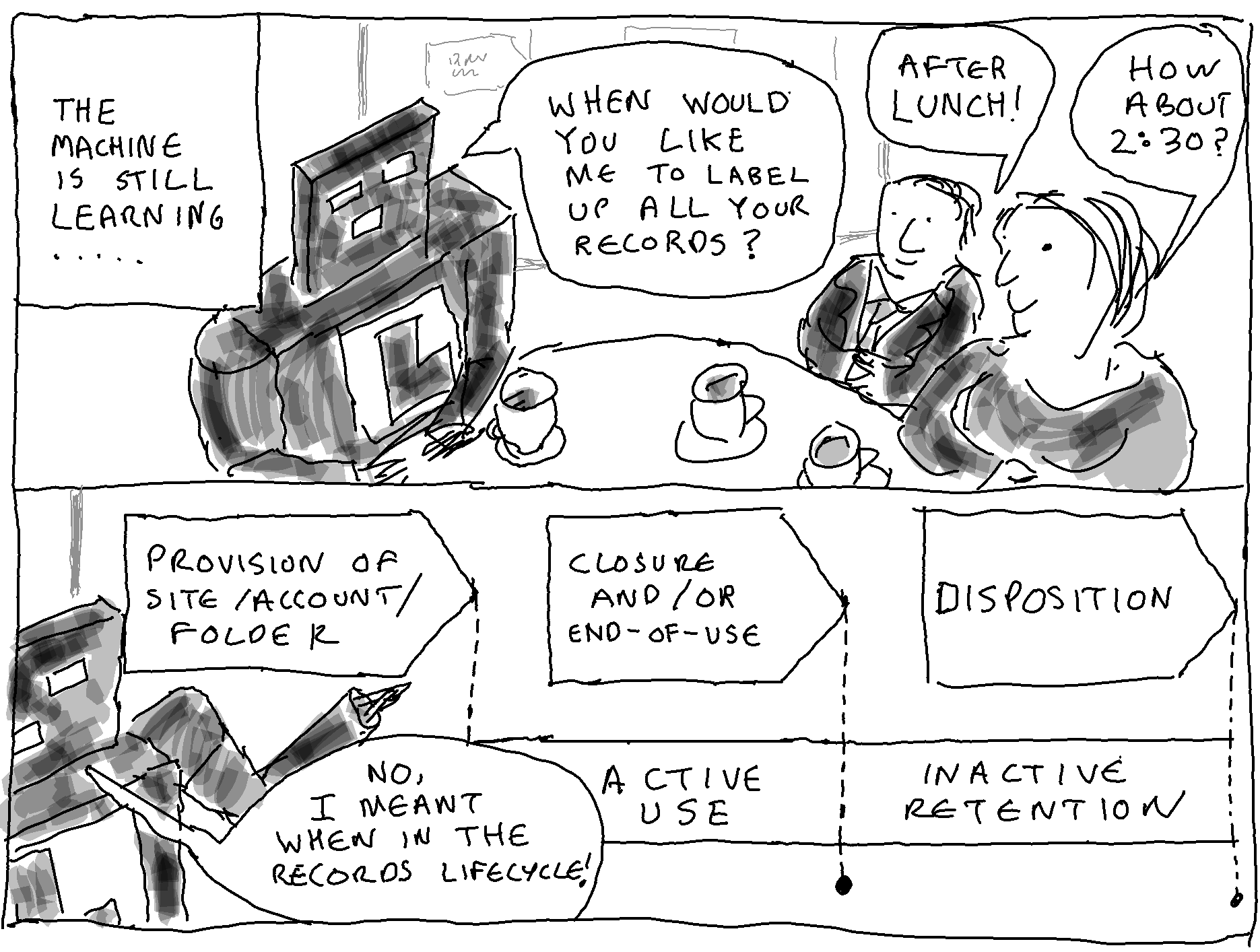
There is a range of types of AI, that can be applied to take a range of different actions, on a range of different target types of content, at a range of different levels of aggregation, at a range of different stages of the records lifecycle, under a range of different types of human control, in pursuit of a range of different records management purposes.
It is the choices that you make on each of these seven aspects that define your AI intervention.
There are a great variety of different types of artificial intelligence (and data science techniques more generally) that could be applied. You might want to:
Alternatively (or additionally) you might want to run analytics tools to gain statistical insights on your target content.
It is best to think of them as a tool set. You may need to apply them in combination. You may start within one type of intervention and have to switch to another if results are not as planned or if costs are too high.
The AI/data science technique might be:
There are various purposes for which a records management team might wish to deploy the help of AI (and data science techniques more generally). These include:
In order to support these purposes there are a variety of actions that AI might be deployed to take. These actions include:
Records consist of items (documents, messages, data entries, images, videos, etc). Items exist within aggregations (shared drives/folders, SharePoint sites/libraries, email accounts, datasets etc.).
A key decision for any AI intervention for records management purposes is the decision on what level of aggregation to make the decision/take the action on.
If you are applying AI to apply a taxonomy, you could:
If you are taking destruction actions after disposition reviews you could:
If you are taking selection actions after appraisal exercises you could:
Another key choice is whether you plan to apply AI to:
Applying AI to active content on live systems offers very different challenges than applying AI to legacy systems.
If you apply AI to active content in live systems you have the advantage that the AI model’s judgements could be made visible to the end-users who have created or received the content. These end-users could be offered the opportunity to challenge or confirm the model’s judgement.
However, most live environments are cloud based and are ‘evergreen’ – with frequent and rapid updates pushed through by the provider. For a tenant organisation to deploy an AI tool in a cloud suite such as Microsoft 365 and make its judgements visible in the end-user interface, would require some form of integration with the suite. Such an integration would run the risk of conflcting with future developments in the suite. This integration challenge would not arise if you use the AI capabilities provided within the suite itself, but you are then limited to the AI capabilities made available by that provider in that suite/product.
When dealing with content on legacy systems there are no end-users around to confirm or correct the judgement of the AI model. However a compensating advantage of acting on legacy systems is that there is scope to move or copy target content into an environment of your choice, and to apply AI tools and data science techniques of your choice.
In general, most organisations will have accumulated most of their unstructured content in generic communications and document storage tools. The market for such tools over the past twenty years has been dominated by Microsoft.
In the on-premise era the Microsoft Windows environment dominated. The most widespread document storage area was network shared drives (file shares). SharePoint sites offered an alternative to network shared drives in the latter years of the on-premise era. The most common message storage medium in the on-premise era was Microsoft Exchange email accounts.
Microsoft have retained their domination of generic business document management, collaboration and communication tools in the cloud era. The Microsoft 365 cloud suite is built around the online versions of SharePoint and Exchange. The first big cloud native application that emerged in the Microsoft 365 cloud suite was MS Teams, but Teams does not have a repository of its own – it uses SharePoint and Exchange as its repositories:
This relative homogeneity of supplier and environment means that most of the content that most organisations are likely to need to take action on comes in the form of either:
If approaches can be found for applying data science techniques for the management over time of content in network shared drives, SharePoint sites and email accounts, then huge swathes of most organisations’ digital heaps become manageable.
The most striking thing about these choices is that for each of them there is no right or wrong answer. These choices exist because there is no perfect form of AI, no perfect way of applying AI, and because perfection in records management is not obtainable (even with AI). There are trade-offs to be managed and different choices have different advantages and disadvantages.
Setting out these choices provides a way of placing any existing or proposed AI intervention that you come across (or think of) against the whole constellation of choices open to a records management team.
| Nature of the choice | Options |
| 1 AI/data science technique(s) | – analytics tools – rule set – supervised machine learning – unsupervised machine learning – large language model |
| 2 Relationship between AI and human control | – AI directly acting on content – AI providing decision support |
| 3 Purpose | – taxonomy application – disposition review – appraisal and selection – sensitivity identification |
| 4 AI action | – assigning a category or label – summarising – sensitivity protection – negative appraisal – clustering |
| 5 Level of aggregation at which to act | – item level – aggregation level |
| 6 Stage of the records lifecycle | – active content on live systems – inactive content on live systems – inactive content on legacy systems |
| 7 Target content | – content in SharePoint sites – content in email accounts – content in network shared drives – other |
 Thinking Records